Wed Mar 22 2023

Share Links & Lists With Anyone: The Ultimate Guide

  Sign in or create a free account!
Start creating lists online  Start creating lists online  

Create, Collaborate & Share Lists.

Discover public lists, or build private lists with friends and family, for free!
Learn more about how to share and create lists

List Maker App - Wishlists, Save Links & Make Lists Online

Hero is used as a list maker app to make wishlists, bucket lists and save links to your favorite websites.

How to Start a Podcast in 2023: Complete Guide

With the rise of streaming services, podcasts have become increasingly popular over the past several years.

Podcast Show Notes: How to Write & Share With Listeners

Podcast show notes are a great way to provide additional information to your listeners and promote your podcast.

How to Find Sponsors for a Podcast

We all want to be compensated for our creative works of art, but how do you make money with a podcast? Sponsorships.

How to Work in Podcasts: Researcher, Editor & Producer Jobs

Do you want to get into the exciting world of podcasting? The podcast industry offers various roles and opportunities, from producer and host to remot...

How To Add a Link in Bio on TikTok

There are many reasons you should add a link to your TikTok bio! You might want to lead your followers to your other social media accounts.

How To Add Link in Bio on Instagram & Stories

Add a link in your Instagram bio that has many links in one. Hero is the most powerful, and simplest “link in bio” app, and it's free!

How To Add Link in Bio on Twitter & Tweet Threads

Add a link in your Twitter bio that has many links in one. Also create Hero Spaces with the links you share in Tweet Threads!

Make Lists of Links, Share Lists, Collaborate

With Hero, you can make lists of links, share lists, collaborate and discover new lists and ideas.

Using Hero to Enhance your Podcast

Podcast creators should take advantage of Hero, a social media platform that lets you create pages of lists of links because it allows you to create a...

Share lists of links, and articles in a clean, reader-friendly format that is easy to navigate add images, videos, and other media to supplement your written content and easily share your articles with others
Hero is a content-sharing platform that enhances collaboration in List Maker apps by managing and sharing diverse content types, like lists and videos.
With Hero's mobile app, users can effortlessly share their lists, ensuring they reach the appropriate audience.
As technology advances, we need a platform that can keep up with our needs to share links, lists, videos, and more.
Enter Hero, a versatile and innovative platform that aims to revolutionize the way you share links. With Hero, you can easily save and share interesting links, collaborate with friends and family, and create a unique online presence.
Available on iOS, Android, and the web, Hero makes it simple for you to save and share content wherever you are.
A List Maker app dashboard for Cybersecurity

What is Hero, and how does it work?

Hero is an all-in-one link-sharing platform that offers a wide range of features to help users create, organize, and share their content with others. It enables you to:

1. Create and save Spaces:

Hero allows you to create Spaces, which are lists of links related to specific topics or themes. You can save Spaces to check back on later and easily share them with others.
Each Space can be customized to fit your specific needs, making it easy to keep track of various types of content and share them with your friends, family, or audience.

2. Clone Spaces:

With Hero, you can clone Spaces and make them your own, giving you complete control over the content and layout.
This feature makes it easy to collaborate with others or tailor a Space to your unique needs without starting from scratch.

3. Share your profile:

Your Hero profile is your personal "Hero Page," where you can showcase all of the Spaces you've made public.
By sharing your profile, others can easily access all of the content you've chosen to share in one convenient location.
In the following sections, we'll explore the many ways Hero can help you transform how you share links, whether for personal use or to engage with a wider audience. Whether it is to share your content or organize all your links, we will explain how Hero can be your new best friend!
How to share lists with Hero

How can lists help you manage and share various types of content?

Hero is a versatile platform that can assist you in managing and sharing a wide range of content types. With Hero, you can:

1. Organize and share bookmarks:

Hero is an excellent tool for managing your bookmarks, allowing you to save links in organized lists and access them later.
With Hero's intuitive interface, you can quickly find your saved bookmarks and share them with others, making it easy to collaborate and exchange information.

2. Create shopping lists:

If you're browsing the internet for new products, Hero allows you to create unlimited shopping lists.
Share your shopping lists with friends, family members, or colleagues to find and save the best deals on the internet for the items you're looking for.

3. Promote your apps, blog posts, and products:

If you have an online presence or a business, Hero can be an extension of your website, allowing you to share blog posts, products, and other content.
Developers can also use Hero to showcase their portfolios, including app links, websites, and projects they want to share with potential employers or investors.

4. Curate content:

Hero offers built-in content curation features, allowing you to create custom lists with your text, images, and notes.
Brainstorm ideas for new content, map out your next blog post, or plan a TikTok video using Hero's powerful organization and collaboration tools.

5. Share podcast show notes:

Podcasters can use Hero to create a Space for each episode they publish, making it easy to share show notes, links mentioned in episodes, and more with their listeners.
You can create separate lists within an episode's Space for sponsors, merchandise, and other content you'd like to share with your audience.
By utilizing Hero's many features, you can efficiently manage and share various types of content with your friends, family, or a larger audience.
Making lists & inviting team, friends, collaborators to build list together

How can Hero enhance your collaboration experience in List Maker apps?

Hero is more than just a content-sharing platform; it's also a powerful collaboration tool. Here are some ways that Hero can improve your collaboration experience:

1. Real-time updates:

When you share a Space on Hero with others, everyone can view and edit the content in real-time.
This feature is particularly useful for teams working on projects or individuals who want to brainstorm ideas together, as changes are instantly visible to everyone involved.

2. Customizable privacy settings:

Hero allows you to choose who has access to your Spaces and their content.
You can keep your Spaces private, share them with specific individuals, or make them public to a broader audience. This flexibility ensures you maintain control over your content and who can access it.

3. Easily shareable links:

With Hero, you get a unique link for your Space that can be easily shared with others.
This makes it simple to invite others to collaborate or view your content, whether through email, messaging apps, or social media.

4. Multiple contributors:

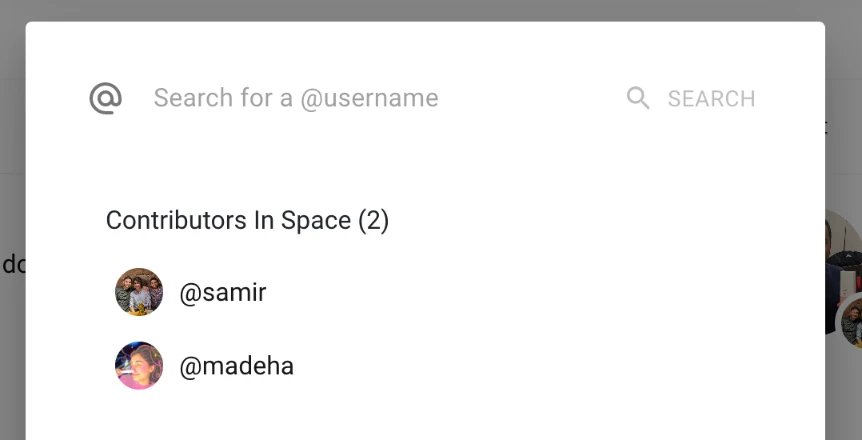
Hero supports collaboration by allowing multiple people to contribute to a single Space.
Each person can add their content, notes, and comments, resulting in a rich, collaborative environment where ideas can be exchanged freely.

5. Integration with popular communication tools:

Hero can be integrated with popular communication platforms like Slack, Microsoft Teams, and Google Workspace. Hero is built to work like proper websites because it is! When you share a Space link, people will see the Space Image, Name & Bio, which will help them know what they're about to open.
This integration allows you to share your Spaces directly within your favorite communication tools, making collaboration seamless and efficient.
By leveraging Hero's collaboration features, you can enhance your communication and teamwork with friends, family, and colleagues, whether working on personal projects or professional endeavors.

What are the benefits of using Hero for sharing various types of content, including lists, videos, and more?

Hero is a versatile platform designed to cater to a wide range of content-sharing needs. Whether you're sharing lists, videos, articles, or other types of content, Hero has several benefits to offer:
One of the standout features of Hero is its ability to organize and share different types of content in one place. This provides a convenient way to access your content and makes it easy to present and share with others. Furthermore,
Hero's visually appealing and user-friendly interface enhances the experience for content creators and viewers.
Another advantage of using Hero is the level of customization it offers. You can tailor the appearance of your Spaces to suit your preferences or specific requirements, making it more engaging and personalized for your audience.
This flexibility allows you to create a unique experience for your viewers, which can be particularly useful when sharing content with different groups or for various purposes.
Now let's explore some specific benefits of using Hero for sharing different types of content:

1. Lists:

Sharing lists on Hero is a breeze, thanks to its intuitive interface and user-friendly features.
- Create organized, visually appealing lists that are easy to navigate and understand.
- Add rich media, such as images and videos, to enhance your lists and make them more engaging.
- Share your lists with a simple link, making it easy for others to access and collaborate.

2. Videos:

Hero is an excellent platform for sharing personal, educational, or promotional videos.
- Embed videos from popular platforms like YouTube and Vimeo directly into your Space.
- Arrange videos in a visually appealing layout, making it easy for viewers to browse and watch.
- Add descriptions and other contextual information to help viewers understand the purpose and content of your videos.

3. Articles and blog posts:

Hero can also be used to share articles, blog posts, and other written content.
- Display articles in a clean, reader-friendly format that is easy to navigate.
- Add images, videos, and other media to supplement your written content.
- Easily share your articles with others by generating a unique link that can be shared via email or social media.
By using Hero to share various types of content, you can create a more engaging and organized experience for your audience, making it easier for them to consume and interact with your content.
To make the most of your link sharing experience, follow these best practices:

1. Use descriptive titles and descriptions:

Provide context for the links you share by adding relevant titles and descriptions.

2. Organize your links:

Arrange your links in a logical order or categorize them for easy navigation.

3. Customize the appearance:

Make your Space visually appealing by customizing its layout, color scheme, and other design elements.

4. Update your content:

Keep your shared links up-to-date by adding new content, removing broken links, and updating outdated information.
Hero stands out as a link-sharing app for several reasons:
- Intuitive and user-friendly interface.
- Ability to share various types of content, including articles, videos, and lists.
- Customization options to create engaging and visually appealing Spaces.
- Convenient sharing through unique URLs.
By using Hero as your go-to link-sharing app, you can easily save, organize, and share your favorite online content with friends, family, and colleagues.
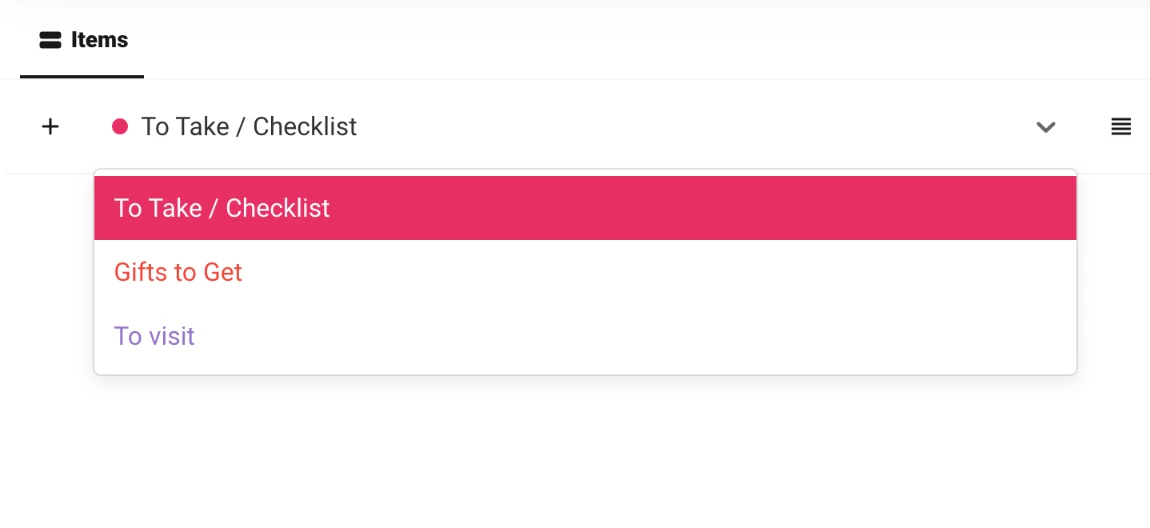
Multiple lists dropdown within a Space
There are numerous ways to share links online, each with advantages and challenges. In this section, we will discuss various ways to share links and the scenarios in which they are most suitable.

1. Sharing links via email

Email is one of the most common methods for sharing links. Whether you're sharing an interesting article, a helpful resource, or a funny video, simply paste the link into the body of an email and send it to your recipient(s).
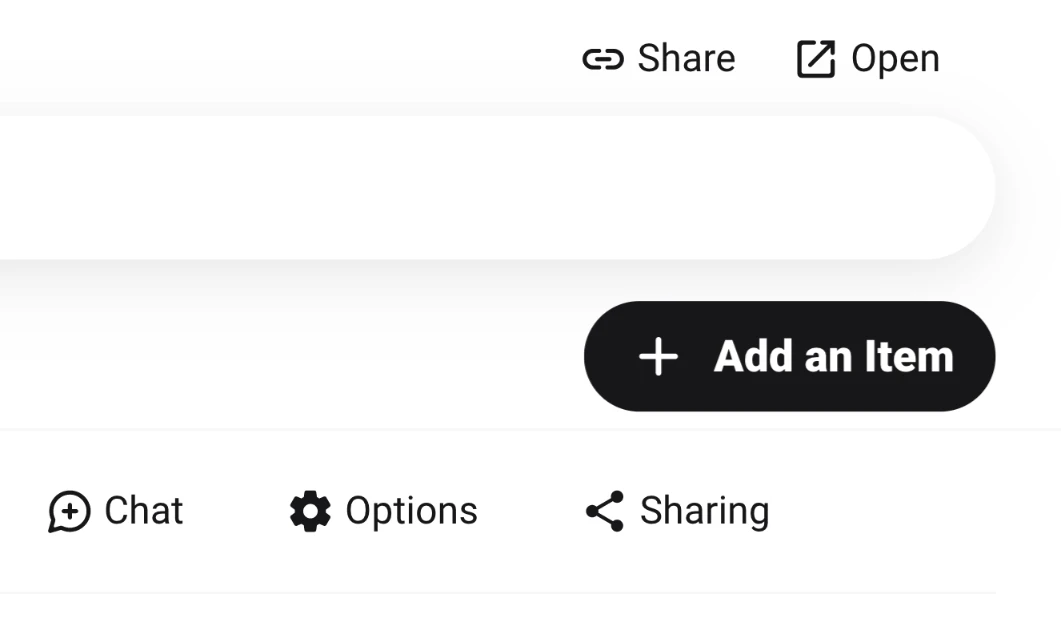
You can share your spaces by clicking "share" on the top right of the space editor. Why is it important to share your links and spaces in an email?
- Personalization: You can customize the email message, making it more personal and engaging.
- Wide reach: Emails can be sent to multiple recipients at once, allowing you to share the link with a large group of people.
- Compatibility: Most email clients support links, ensuring your recipients can access the content without issues.

2. Sharing links on social media

Social media platforms such as Facebook, Twitter, and LinkedIn are popular places to share links. These platforms make sharing content with your friends, followers, or professional network easy.
- Visibility: Sharing a link on social media can increase its visibility and reach a larger audience.
- Engagement: Social media platforms often encourage engagement through likes, comments, and shares.
- Ease of use: Many websites have built-in social sharing buttons, making sharing a link directly to your preferred platform simple.

3. Using link-sharing apps like Hero

Link-sharing apps like Hero provide a dedicated platform for organizing and sharing links with others. You can create custom Spaces, add links, and share them with a unique URL.
- Organization: Link-sharing apps allow you to categorize and organize links, making it easier for your audience to navigate and find relevant content.
- Customization: With Hero, you can customize the appearance of your Space, enhancing its visual appeal and providing additional context for the shared links.
- Versatility: You can share a single link or an entire collection of links with just one URL, offering flexibility in how you distribute content.
By understanding the various methods available for sharing links online, you can choose the most appropriate option for your specific needs and ensure your content reaches the right audience.
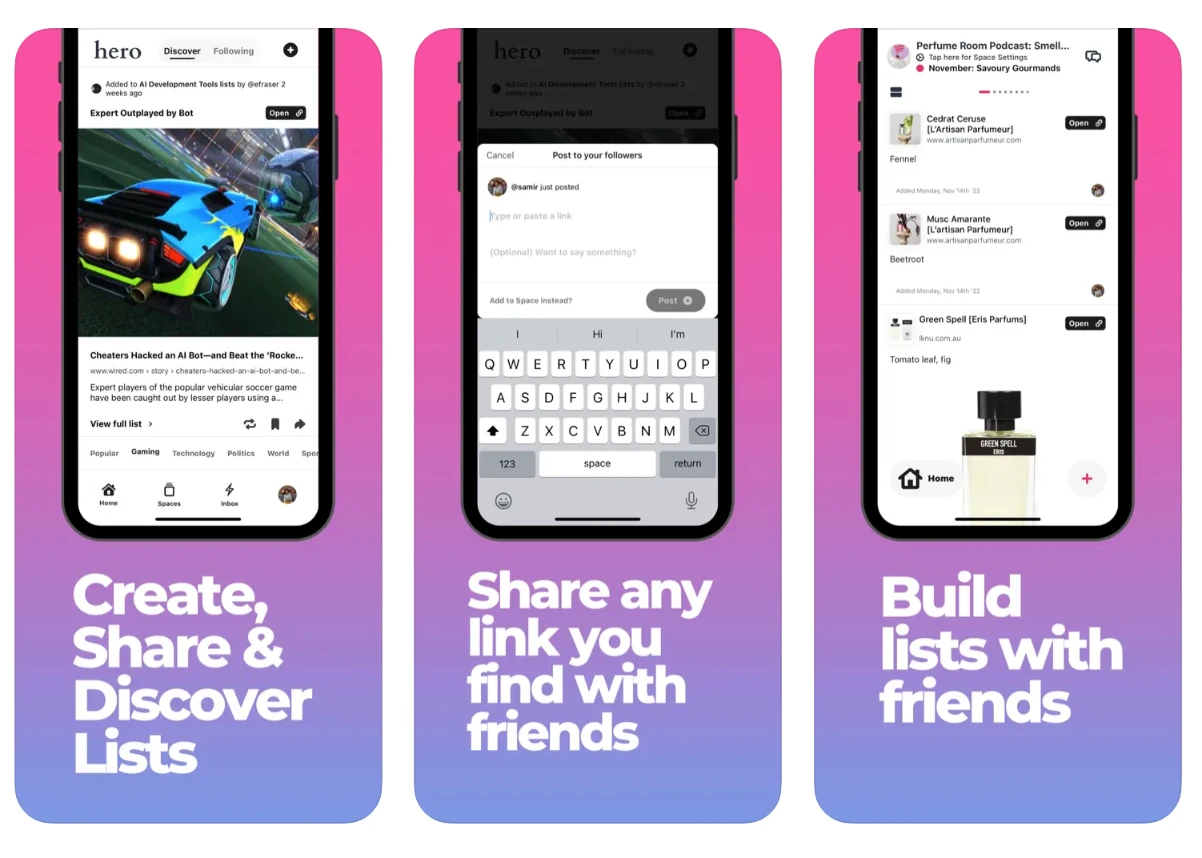
List maker on mobile for sharing lists

Use Hero's mobile app to share lists on-the-go

Leverage the convenience of Hero's mobile app to share your website and lists with friends, family, and colleagues anytime, anywhere. With the mobile app, you can:

1. Instantly share lists:

Quickly send your Hero lists to your contacts or post them on social media platforms directly from the app.

2. Access your lists offline:

View and edit your Hero lists even when you don't have internet access, making it easy to share them in various situations.

3. Stay organized:

You can manage all your lists in one place and easily share the appropriate content with the right audience at the right time.
By utilizing these strategies, you can effectively share your website and Hero lists, increasing their visibility and reach and boosting your online presence.

Share your lists with the right audience
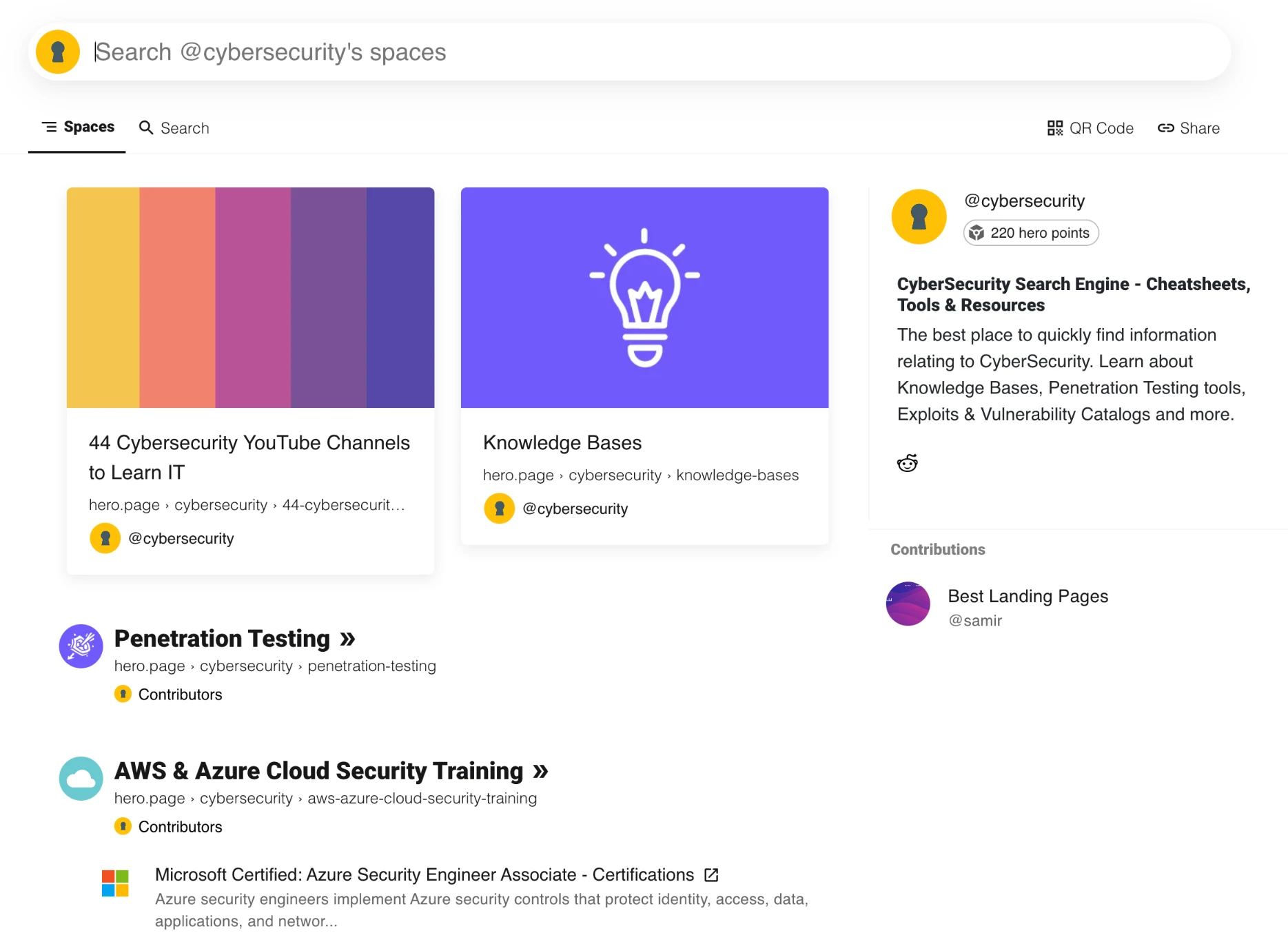
To make the most out of your link-sharing efforts, it's important to share your content with the right audience. With Hero, you can share your curated lists with specific people or groups, ensuring that the content you share is relevant and valuable to them. Here's how to effectively share your links:

1. Identify your target audience:

Determine who would benefit most from the content you're sharing. Is it your friends, family, colleagues, or a specific online community?

2. Choose the right platform:

Depending on your target audience, you may want to share your links on social media platforms, forums, or other online communities. Hero's sharing options make it easy to share your lists on various platforms.

3. Use engaging captions and descriptions:

When you share your links, providing context and explaining why your content is valuable is essential. This will increase the likelihood that people will click on and engage with your links.

4. Share at the right time:

Timing is crucial when it comes to sharing content online. Consider when your target audience is most likely to be active and engaged and share your links accordingly.

5. Monitor engagement and adjust:

Keep an eye on how well your shared links are performing. If you notice that certain content isn't resonating with your audience, consider adjusting your sharing strategy or refining your target audience.
By following these steps, you can ensure that your content is reaching the right people and making an impact. Hero makes sharing links with the right audience easy, helping you get the most out of your link-sharing efforts.
Start creating lists online  Start creating lists online  

Create, Collaborate & Share Lists.

Discover public lists, or build private lists with friends and family, for free!